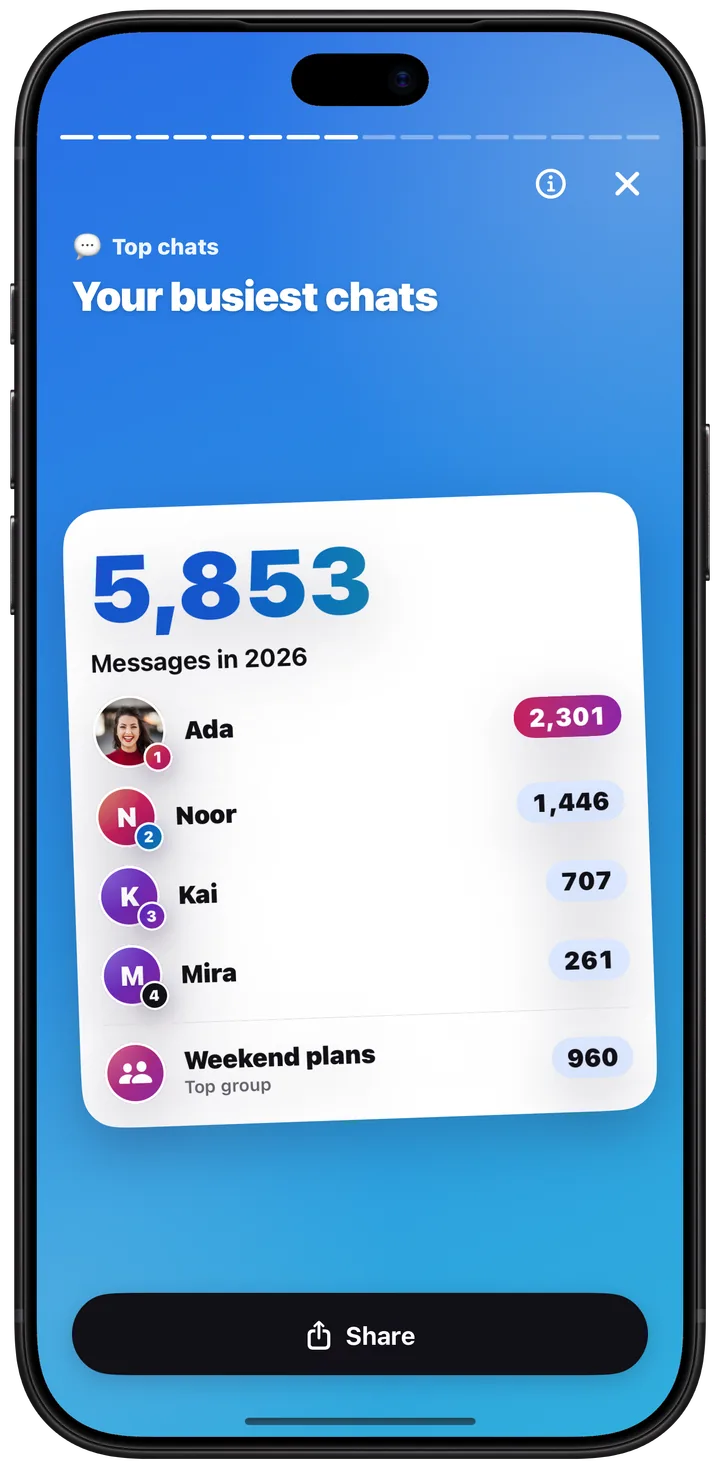
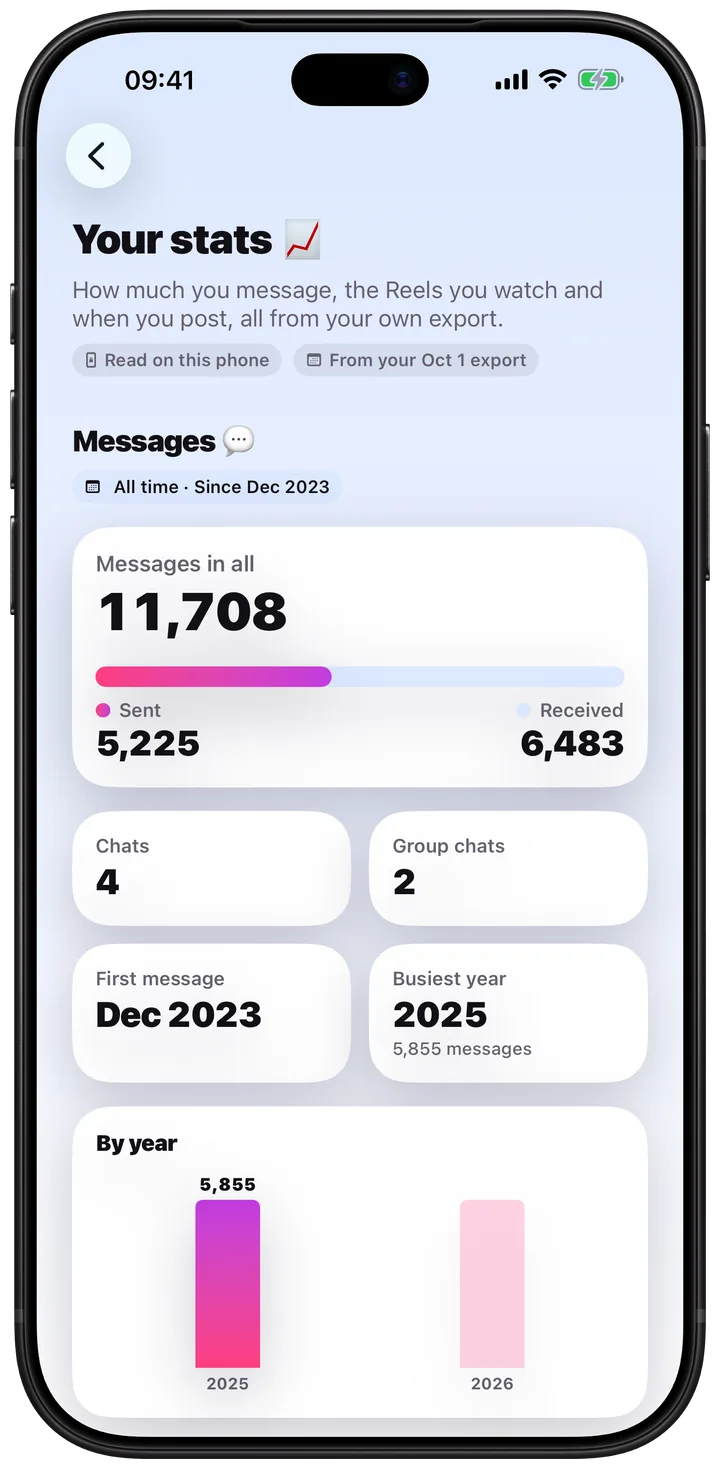
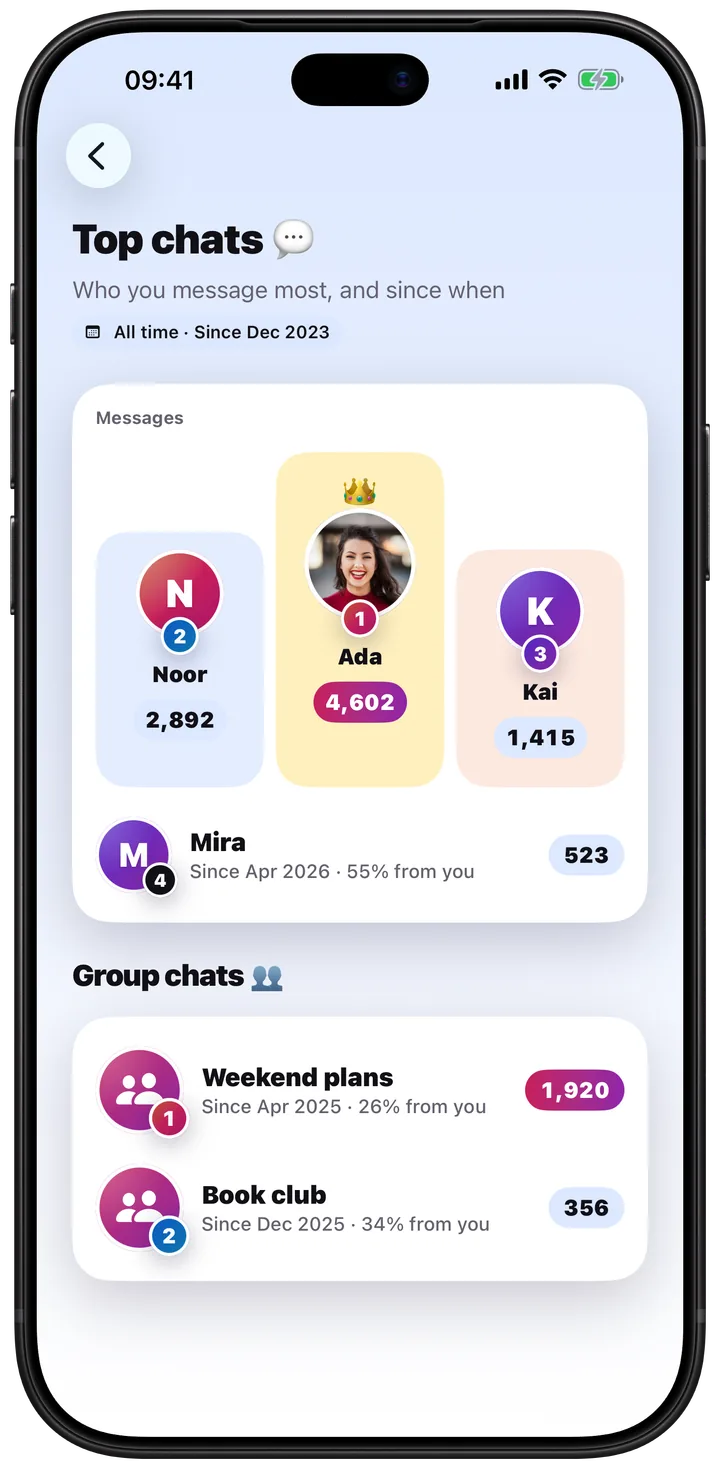
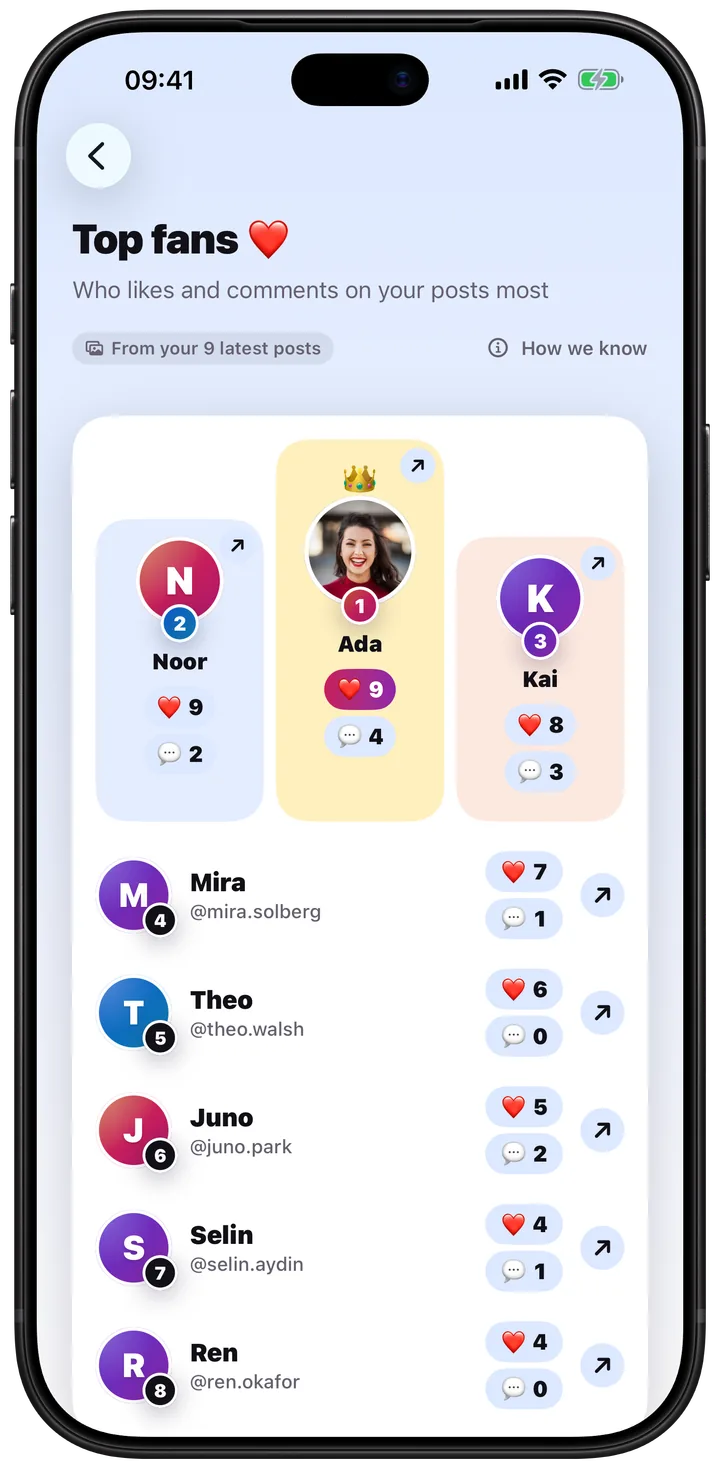
UNFGet UNF

No password. No login. No invented numbers.

A clearer picture of your Instagram connections.

UNF checks a public Instagram profile once a day and builds connection reports from your own Instagram data export. It shows you what it can actually read — and says so plainly when it cannot.

Download on the App Store

iPhone, iOS 17 or later
Free to start · Pro from $4.99/month

A UNF report preview showing a follower count, the sections that are ready, and the sections that are not
Your password
Never asked for
Public checks
About once a day
Connection data
Your own export
Empty sections
Labelled, not filled

What it does

Three tabs. Nothing hiding behind them.

Today

One daily report, and an honest account of what is in it.

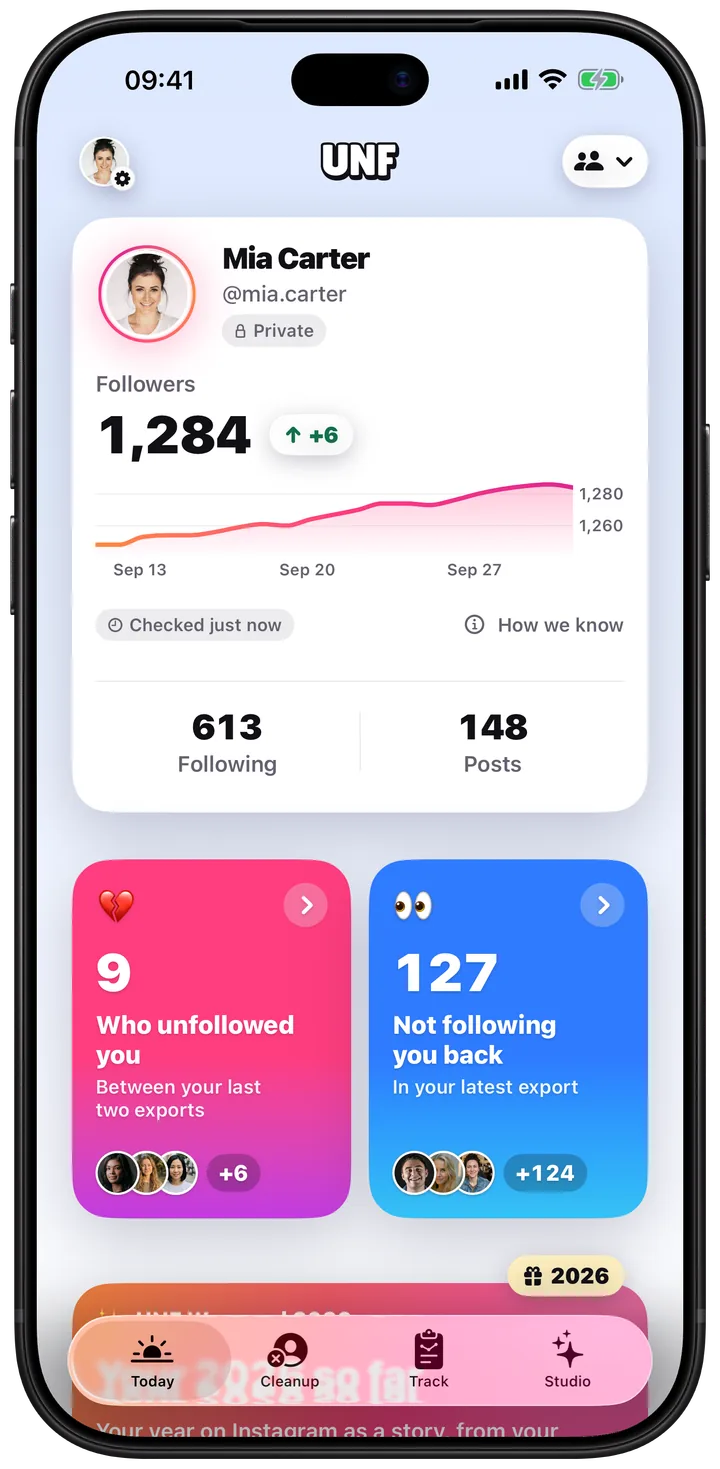
UNF checks what Instagram publishes about your profile once a day and shows what changed. Every number carries the moment it was read, so you always know whether you are looking at today or at last week.

  • Follower count, free, from the first check
  • Following, posts and net change with Pro
  • A section with no source stays empty instead of being filled in
The Today tab in UNF showing a follower count and the moment it was checked

Track

Follow the public profiles you actually care about.

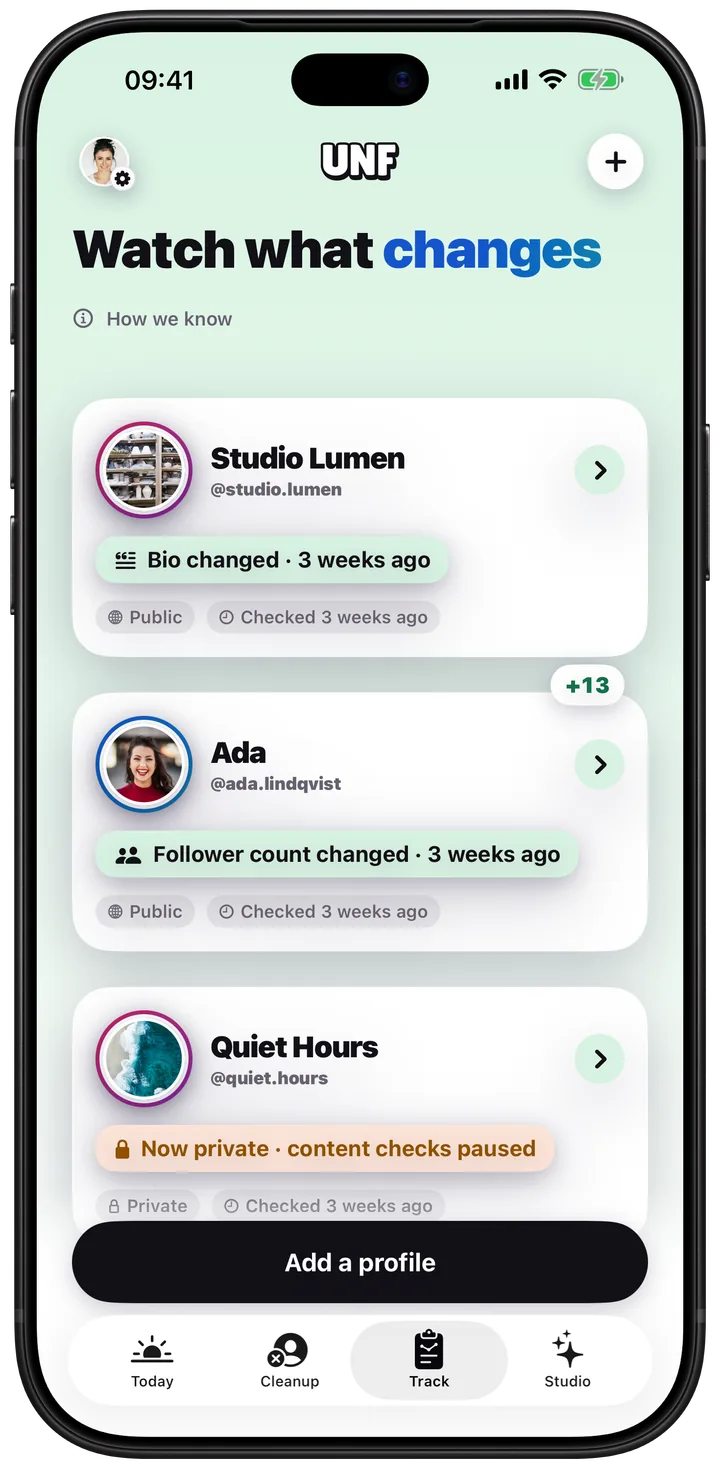
Add a public profile and UNF notes what changed between daily checks: bio, photo, counts and new public posts. Public information only, once a day, never in real time.

  • One preview free, up to 10 profiles with Pro
  • Before-and-after history for every change
  • No claim about who viewed, unfollowed, or where anyone is
The Track tab in UNF explaining daily checks on public profiles

Glow

Tools for your own profile and content.

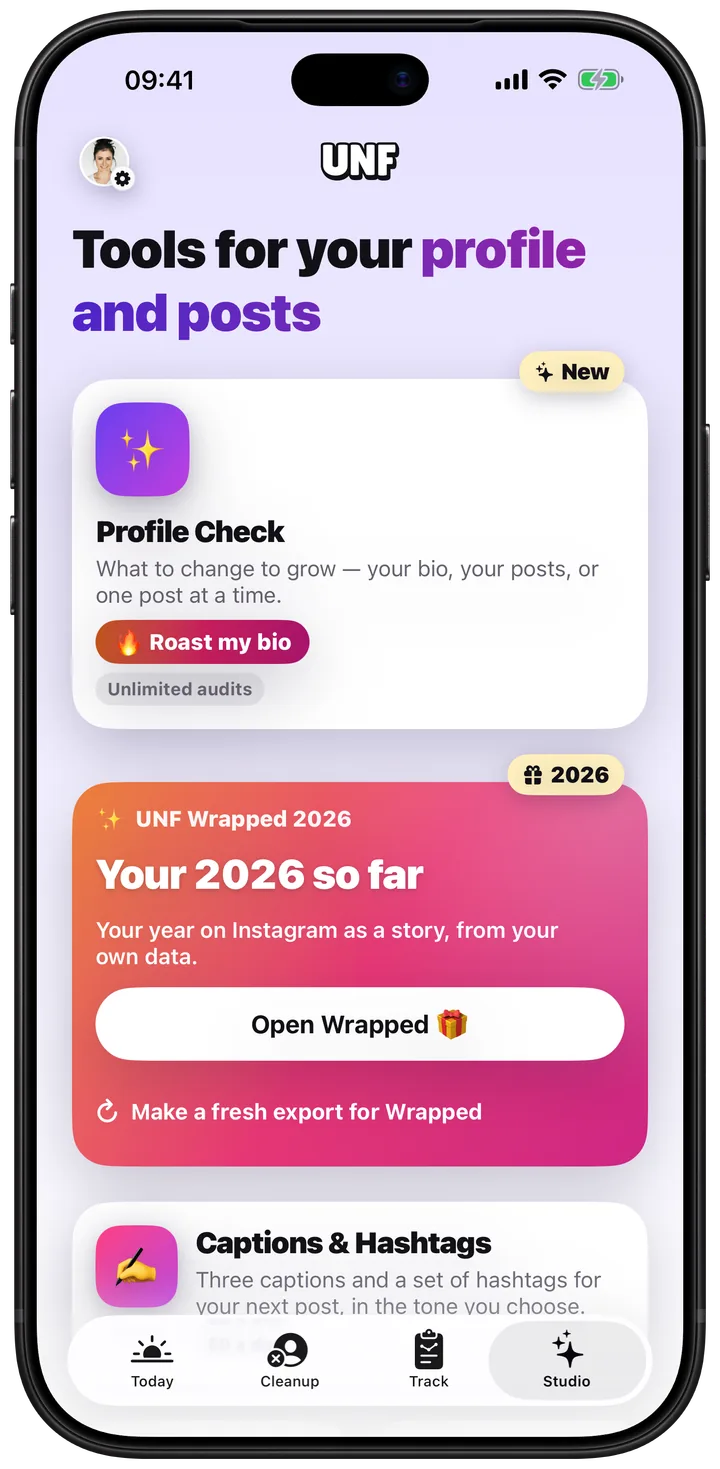
Profile Check reads the bio and posts you choose and tells you what lands and what to change. Fancy Text restyles your bio offline. Media Saver keeps a file you are allowed to keep.

  • Five Profile Checks a month with Pro
  • Fancy Text works with no account and no network
  • Grounded feedback only — never invented engagement numbers
The Glow tab in UNF showing Profile Check, Media Saver and Fancy Text

The difference

What UNF will never claim.

Every one of these is advertised by apps in this category. None of them can be delivered from public information or a standard data export. UNF does not show them, and does not imply them.

  • Who viewed your profile

    Instagram does not publish this to anyone. Any app that shows it is guessing.

  • Who viewed your story

    A standard data export does not contain story viewers, so no report can list them.

  • Who unfollowed you, from a single snapshot

    One list cannot establish history. A comparison needs two, taken at different times.

  • Your Instagram password

    UNF never asks for it, and never signs in as you.

  • Real-time alerts

    Public information is checked about once a day. UNF says "checked at", never "just happened".

How it works

Three steps, and none of them is a login.

  1. Enter a username

    No password, no login, no browser extension. UNF reads what Instagram already publishes about that profile and asks you to confirm it is yours.

  2. Get your first report

    UNF records a check and builds the report around what it could actually read. Sections it cannot fill are labelled, not invented.

  3. Add your own data for connections

    Download your information from Instagram and hand the file to UNF. Mutuals and non-followers come from that file — the only place they honestly can.

Questions

Straight answers.

What is UNF?

UNF is an Instagram follower tracker and profile analytics app for iPhone. It records what Instagram publishes about a profile roughly once a day and builds a dated report from those checks. It also reads the Instagram data export you download yourself, which is what makes connection lists — mutuals, people who do not follow you back, new followers — possible. UNF never asks for your Instagram password.

How does UNF work without my Instagram password?

It uses two sources, neither of which needs a login. The first is what Instagram already publishes about a username: display name, profile photo, biography, follower, following and post counts, and whether the account is public or private. The second is the data export Instagram gives you about your own account, which you download from Instagram and hand to UNF. UNF never signs in to Instagram as you and cannot act on your account.

What exactly does UNF show me?

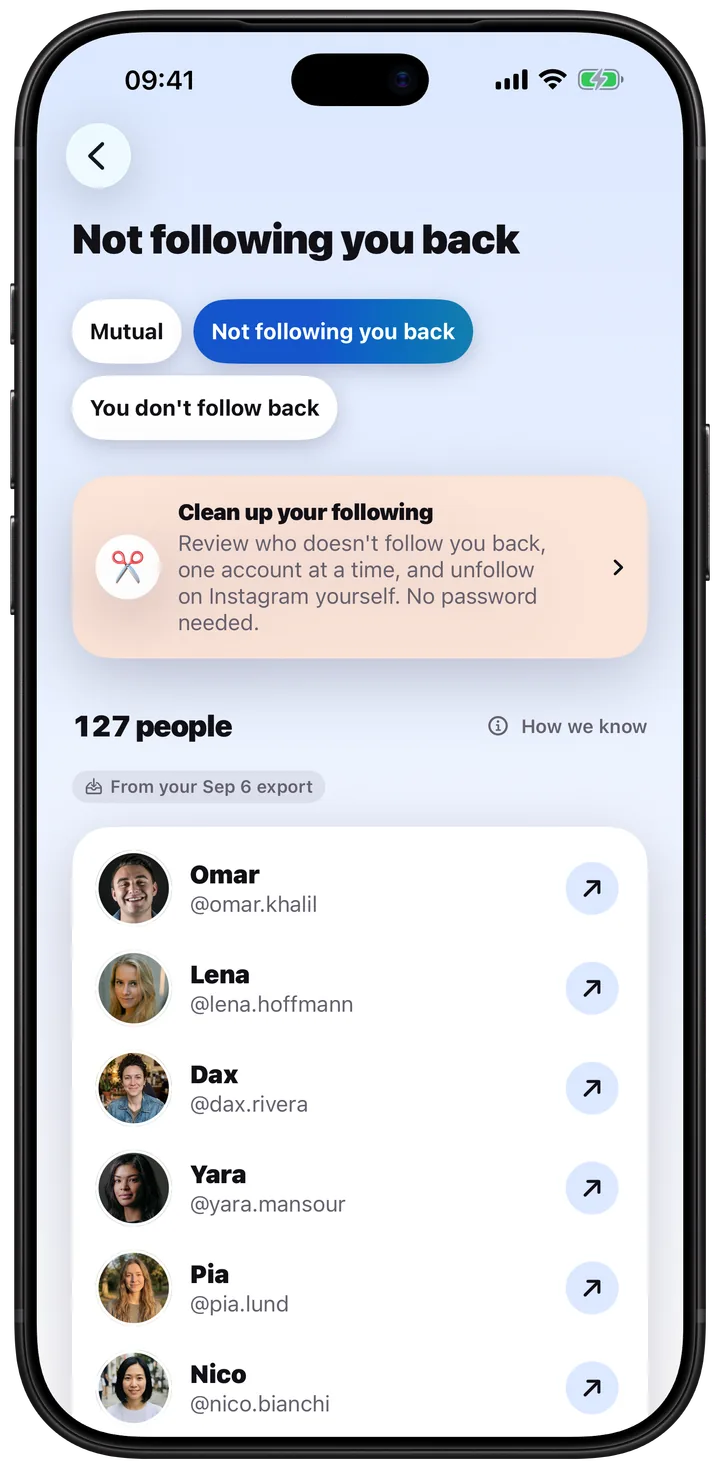
A daily follower count with the time it was read. Following count, post count and the net change since the previous check, with Pro. Connection sections built from your export: mutuals, accounts you follow that do not follow you back, new followers and accounts no longer in your followers, once two exports exist to compare. Daily change history for public profiles you choose to track. And Profile Check, which gives grounded feedback on your own biography and the posts you select.

What can UNF not show me?

Who viewed your profile, who viewed your story, who unfollowed you from a single snapshot, anything from a private account you do not own, and anything in real time. None of these can be produced from public information or a standard data export. UNF leaves those sections empty and says why rather than filling them with a guess.

How do I see who unfollowed me on Instagram?

Request a download of your information from Instagram and add the file to UNF. That records who followed you at that moment. Later, request a second download and add that one too. UNF compares the two and lists the accounts present in the first and absent from the second. That comparison is the only method that names an actual account, and it works without giving any app your Instagram login.

Can UNF tell me the moment someone unfollows me?

No, and no app can. Instagram does not send a notification or publish an event when someone unfollows you. What is possible is comparing two lists taken at different times, which tells you that somebody left between those two moments — not when, and not why. UNF reports it that way.

Other apps show unfollowers instantly. How?

Usually by asking for your Instagram username and password, signing in as you, and pulling your follower list on a schedule. That gives them a comparison basis, and it also gives them your credentials and a login on your account. UNF gets the same comparison from an export you download yourself, which is slower and needs a deliberate action from you — and asks for nothing that could compromise your account.

What are non-followers?

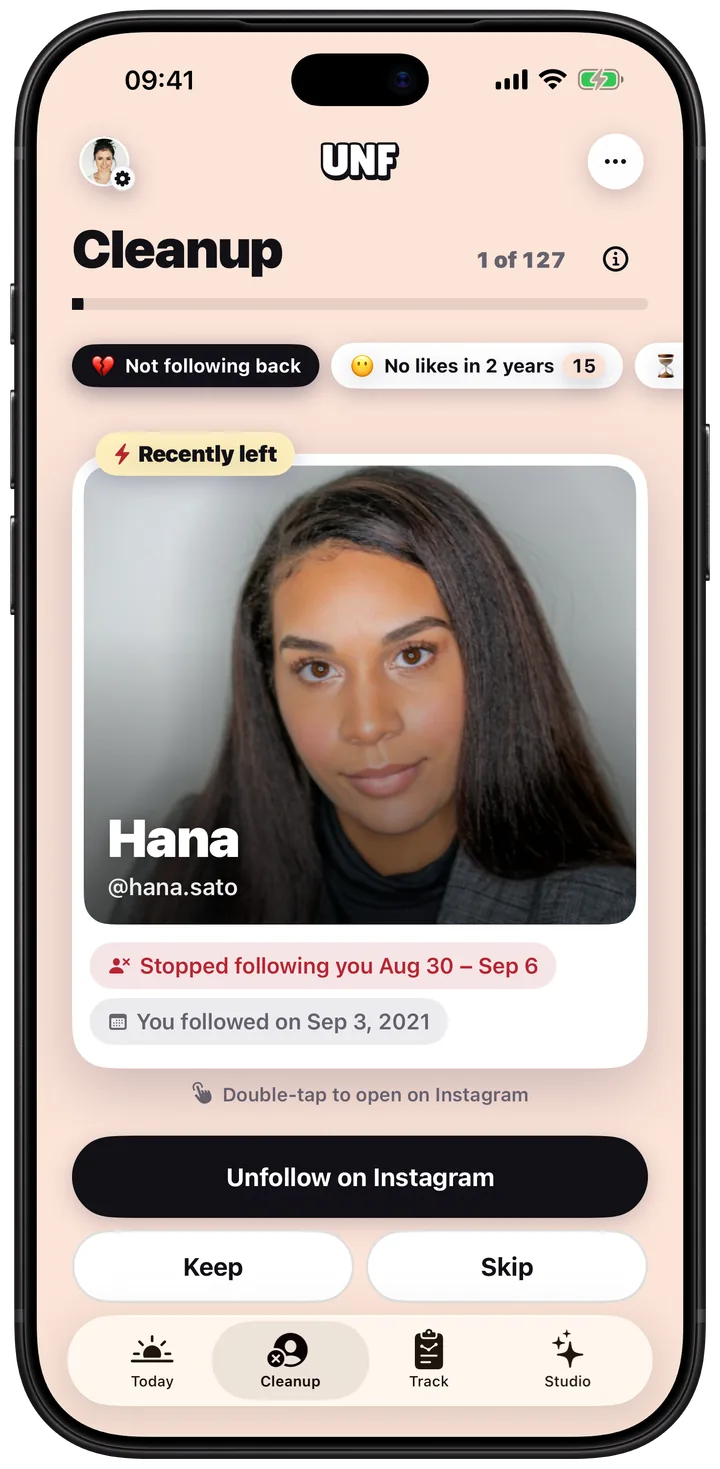
Accounts you follow that do not follow you back. UNF works them out by comparing your following list against your followers list, both taken from your own Instagram data export. This one needs only a single export, so it works as soon as you add your first file.

What Instagram analytics does UNF provide?

Your follower count, following count and post count, each recorded with the exact moment it was read, plus the net change between one check and the next and the history those checks build up over time. The follower count is free. The rest is included with Pro.

Can I track other people’s Instagram profiles?

Yes, if they are public. Add a profile to Track and UNF notes what changed between daily checks: biography, profile photo, follower, following and post counts, and new public posts, with a before-and-after for each change. One preview is free and Pro covers up to 10 profiles.

How do I download my Instagram data?

In Instagram, open your profile, go to the settings menu and find the account centre, then "Your information and permissions", then "Download your information". Request a download of your own account, choose JSON as the format, and Instagram will email you a link when the file is ready. Add that file in UNF.

Does adding an export keep my report updated automatically?

No. An export is a snapshot of one moment. It never updates itself, and no subscription, timer or AI feature turns it into a live feed. Adding a newer export is what refreshes the comparison.

Is UNF safe to use?

UNF never asks for your Instagram password, has no Instagram login screen, and cannot sign in as you. That removes the single largest risk in this category of app. What it does collect — a generated account identifier, the username you select, dated public values, and any export you choose to add — is listed in full in the privacy policy.

Does UNF collect usage analytics?

Only if you turn it on. Crash reporting and screen-level usage events are off by default and stay off until you enable "Share anonymous usage data" in Settings. They never include your username, biography, follower identities or the contents of your export.

How do I delete my account and everything in it?

Open Settings in the app and choose to delete your account. It removes your profile selections, dated observations, imported files, generated reports and stored identifiers. It cannot be undone, and it does not cancel an Apple subscription — cancel that separately in the App Store.

Is UNF free?

There is a free tier and it is genuinely useful: a daily public-profile check, your follower count, one tracked-profile preview and the Fancy Text tools. UNF Pro costs $4.99 per month or $29.99 per year and adds the rest.

Does paying unlock more Instagram data?

No, and this matters more than it sounds. A subscription grants access to features. It never creates data that Instagram does not publish and that you have not provided. If a section is empty because there is no source for it, Pro leaves it empty too.

Read all 51 questions — how the data export works, what UNF refuses to estimate, plans, privacy and device support.

See what your connections actually look like.

Free to start, on iPhone. Read the privacy policy before you do — it says exactly what is collected and what is not.

Download on the App Store